For the guest
Wine lists
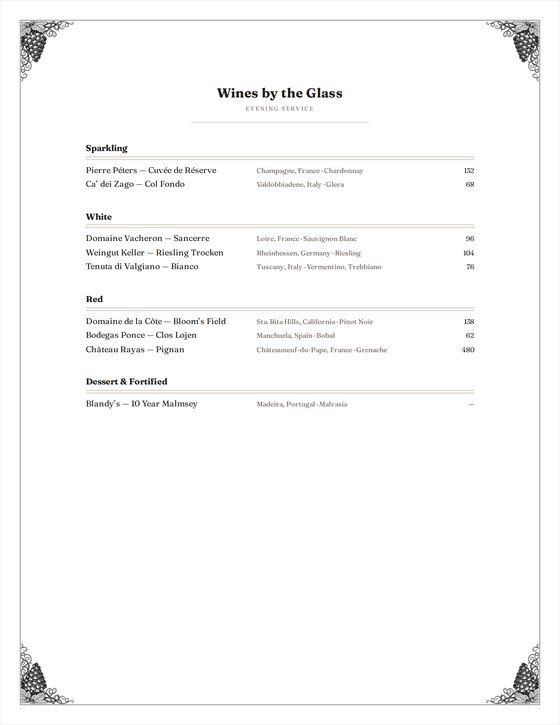
- By the Glass, Full List, or both as a Linked Pair.
- Typed on the sheet, set in twenty house styles.
- Flights, 86'd wines and page breaks, handled.
- Printed, saved as a PDF, or exported for your website.
TableSet, for wine programs
With a wine library curated by a certified sommelier.
Write the list on the page, keep the cellar counted beside it, and print exactly what you see. One tool for the sommelier, the wine director and the restaurant, with no bloat: it opens in under a second and answers as you type.
Free during the invite-only beta. Runs in the browser on a computer or a phone; nothing to install.
The sommelier's credit
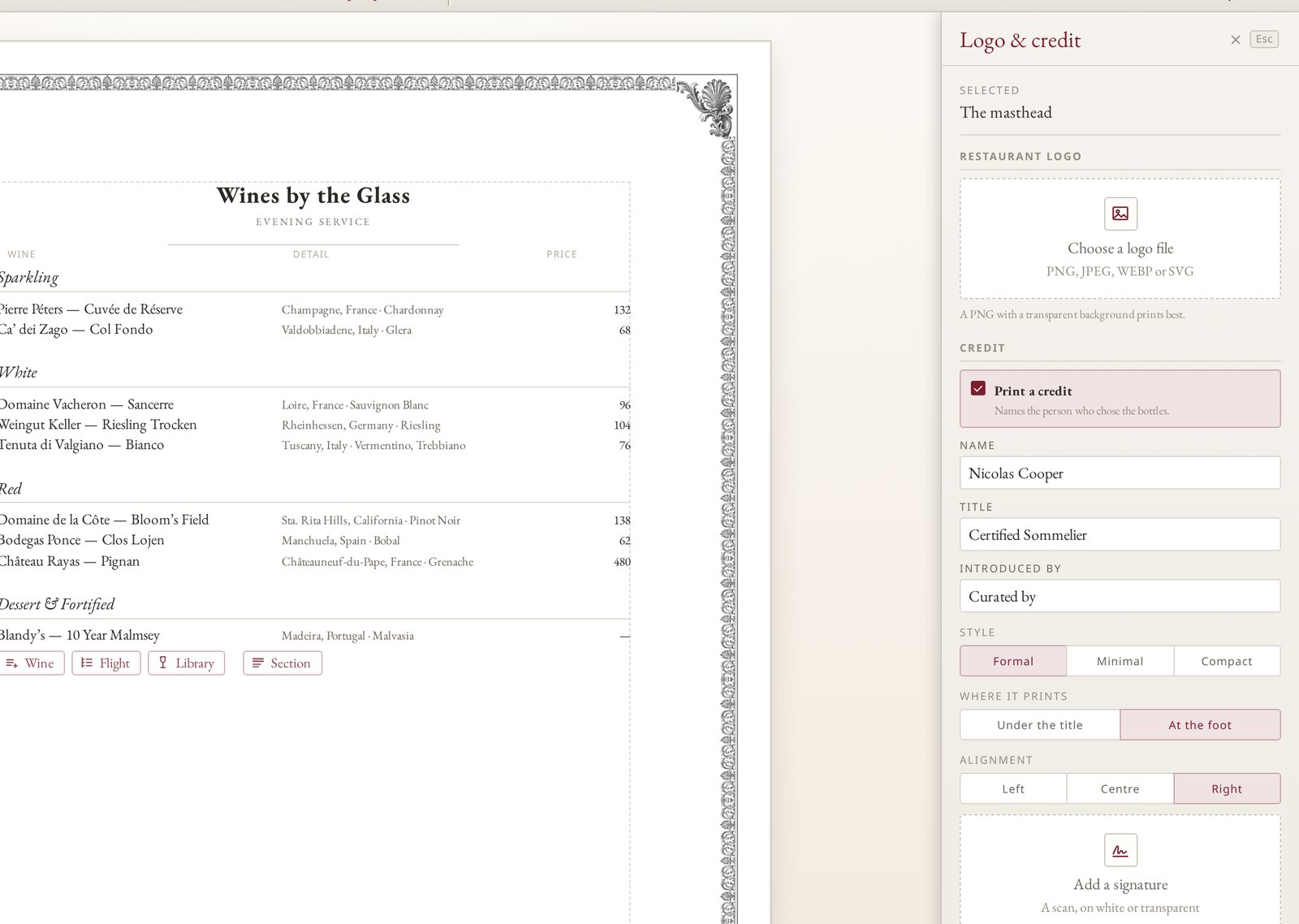
A wine list is someone's work, and the guest should know whose. Set the name, the title and a signature once; TableSet sets the credit on every print and PDF.

No bloat
TableSet is written in plain code, with no framework and nothing it does not need. It opens fast, answers on every keystroke and stays out of the way between tables.
About 0.8 seconds on a first visit and 0.6 on a return, the whole Wine Library included.
Across all 32,761 wines, on every keystroke, with no spinner and no wait.
The app and the library together on a first visit; a return visit fetches about 0.1 MB.
It runs in the browser on a computer or a phone. No app store, no plug‑ins, no updates to wait on.
Measured on tableset.wine in October 2026 on a fast connection; a slow one takes longer on the first visit.
The full stack
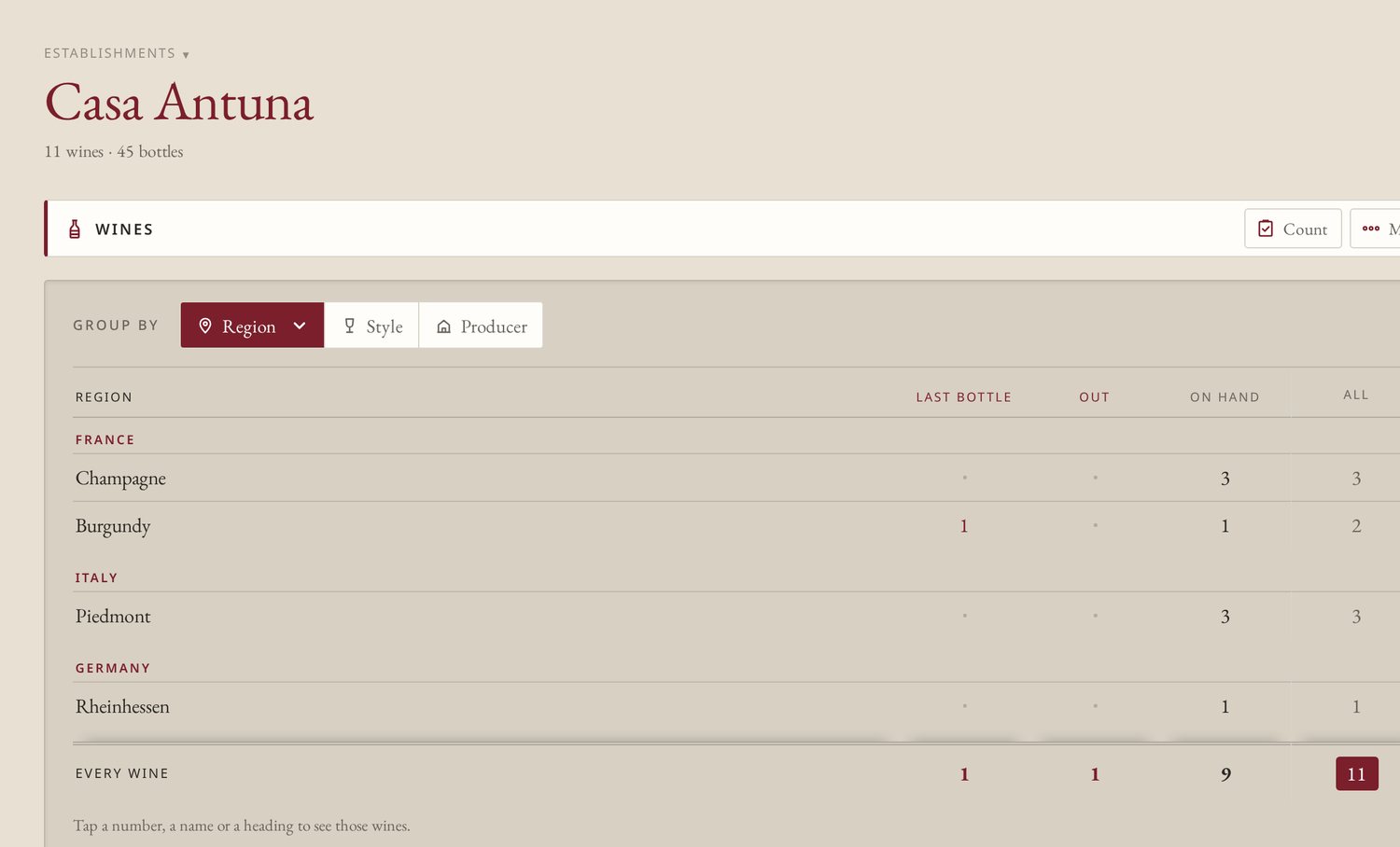
Most programs keep the list in a design file and the count in a spreadsheet, and the two drift apart by Friday. In TableSet they are one record, so what the cellar holds and what the guest reads stay in step.
For the guest
For the cellar
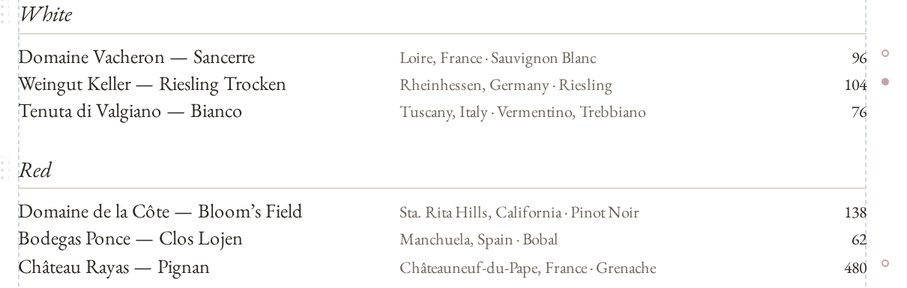
Marks sit in the margin of the editor and a line in the status bar sums them up. They never print: a count is a working number, so taking a wine off the list stays your decision.
The Wine Library
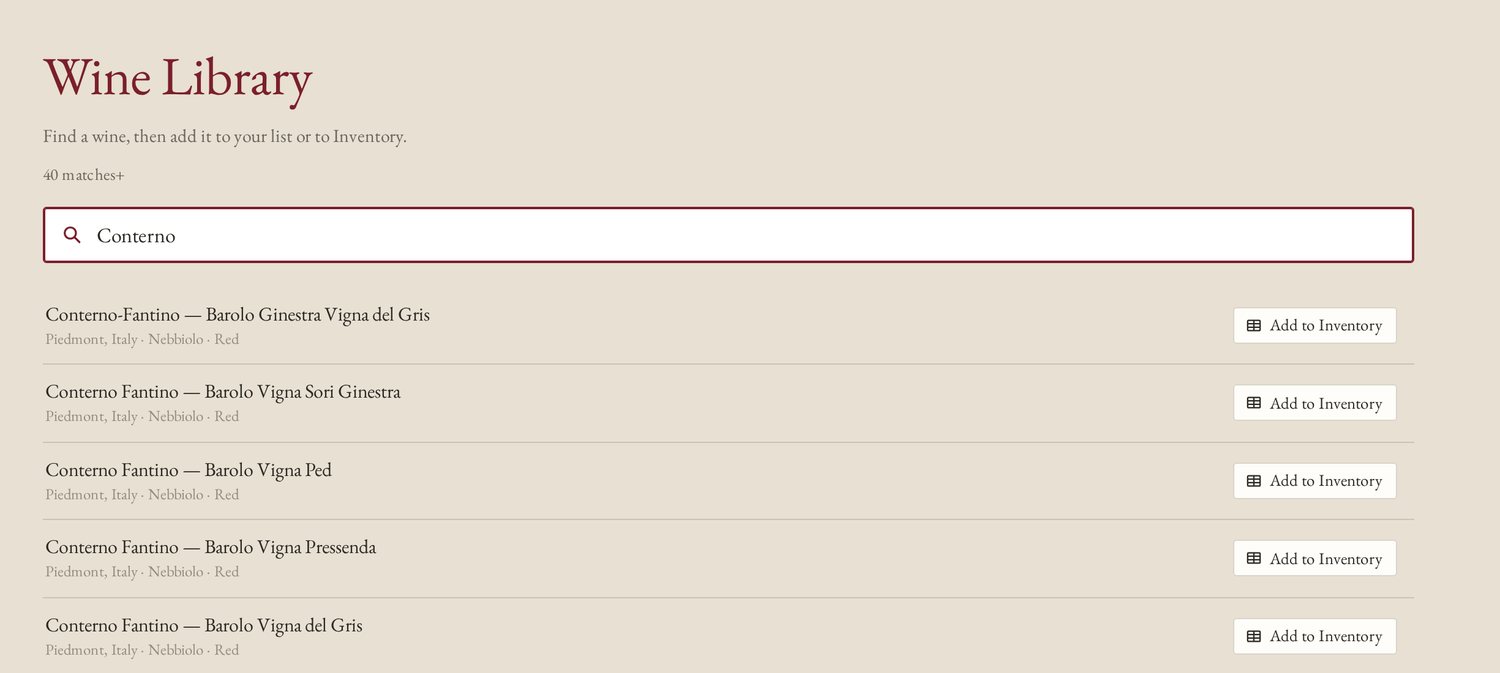
More than 32,000 wines, chosen and checked by someone who has stood at the table with them. It leans toward the producers collectors and sommeliers look for, from grower Champagne to Barolo, Burgundy and the Rhône.
From the library
A few of the 4,300 producers
On the device
The whole library ships inside TableSet. Search answers as you type, with nothing sent to a server and nothing waiting on a connection.
Tagged by appellation
Place a wine and its appellation, region, grape and style go into its metadata on their own: ready in the Info drawer for instant reference, and used by Inventory to file the bottle. 1,300 appellations, from Barolo to the Sta. Rita Hills.
The editor
No forms to fill in and no settings to learn. The sheet in front of you is the list your guests will read.
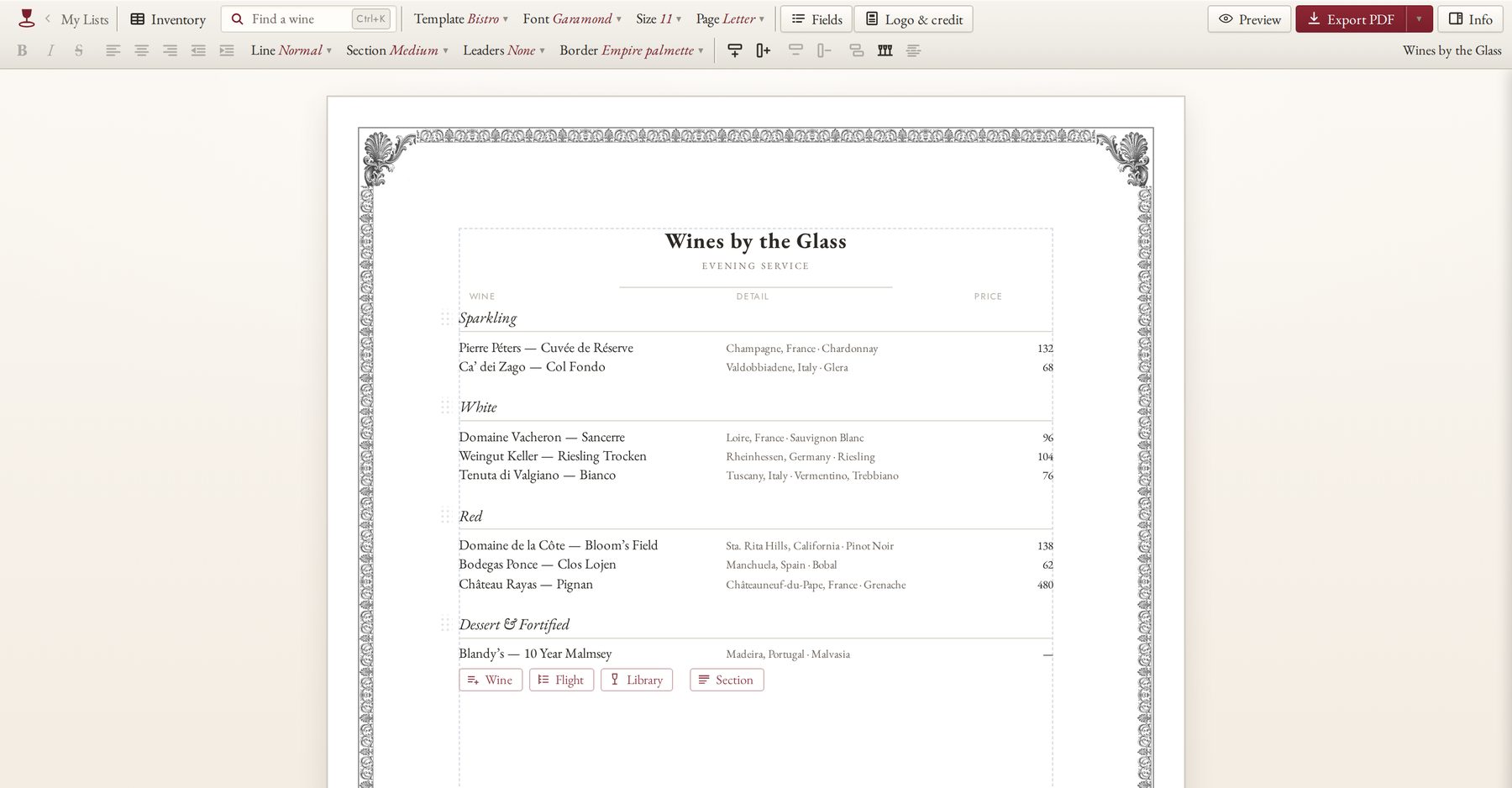
Every wine, heading and price is typed straight onto the sheet. Bold, alignment and line spacing sit on the toolbar.
Pull a column edge to widen it, or drag a column to move it. The page reflows as you go, and undo is one step away.
Wine, Flight, Library and Section buttons sit on the section you are working in, so a new wine lands where you meant it.
Group wines into a flight, print the pours line and one price for the set, and change the count with a bracket.
A wine that has run out is struck through in the editor and left off what guests see, without deleting it.
Lists run across as many pages as they need, with page breaks, page numbers and continued headings.
Daily service sheet
A short card that changes often. Glass and bottle prices side by side.
Sectioned wine book
Every wine you pour, by section, with room for many pages.
Both, together
By the glass and full list for one house, kept under one name.
House styles
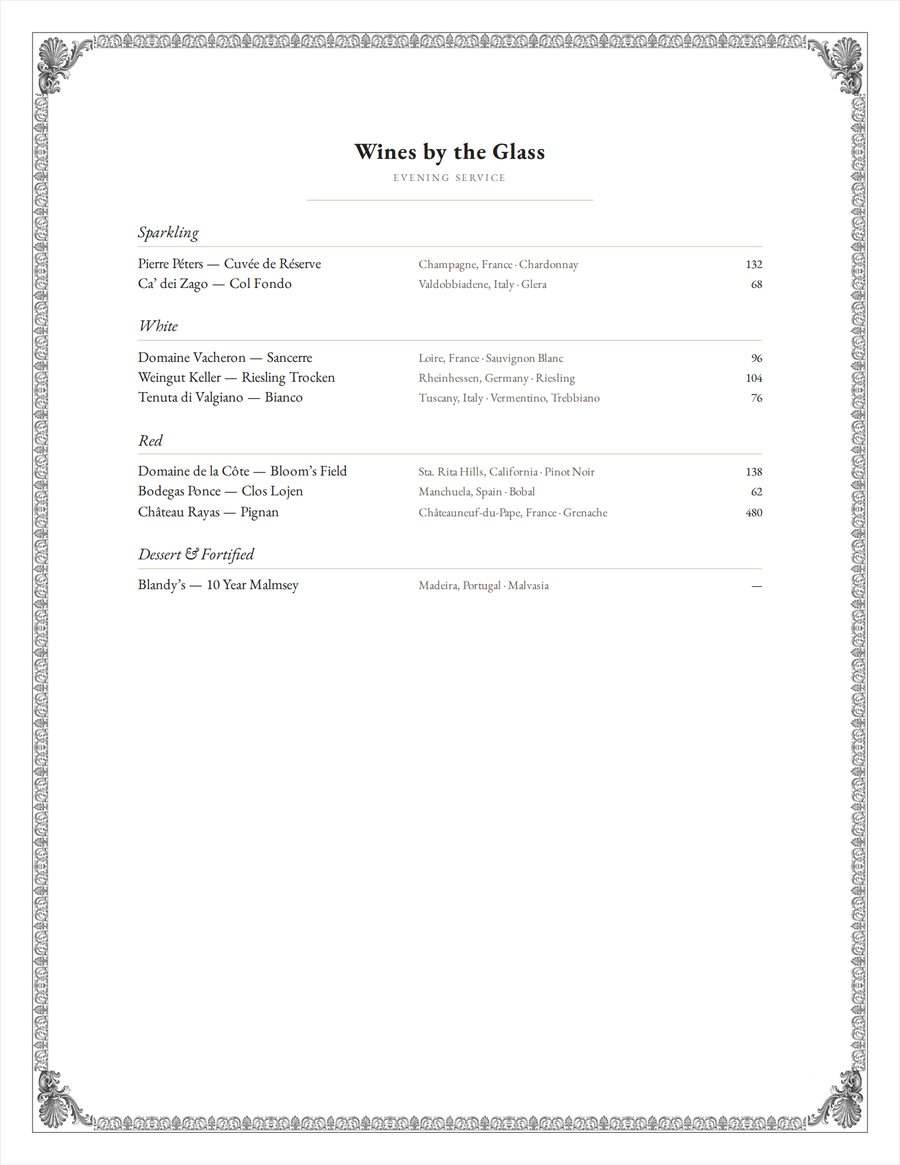
Each template is a complete voice: the typeface, the rules, the headings and the spacing chosen together. Pick one, and the whole list follows.
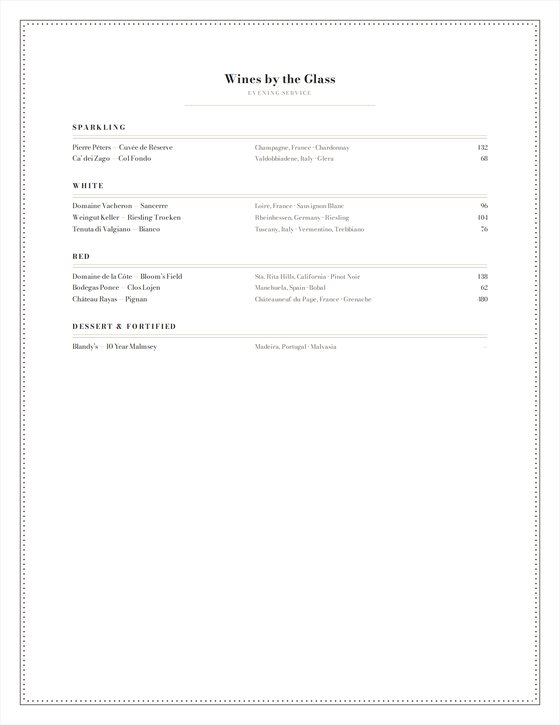
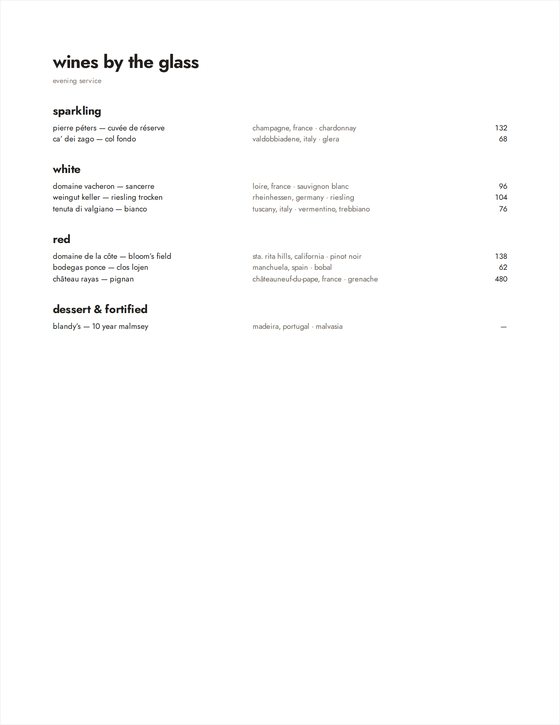
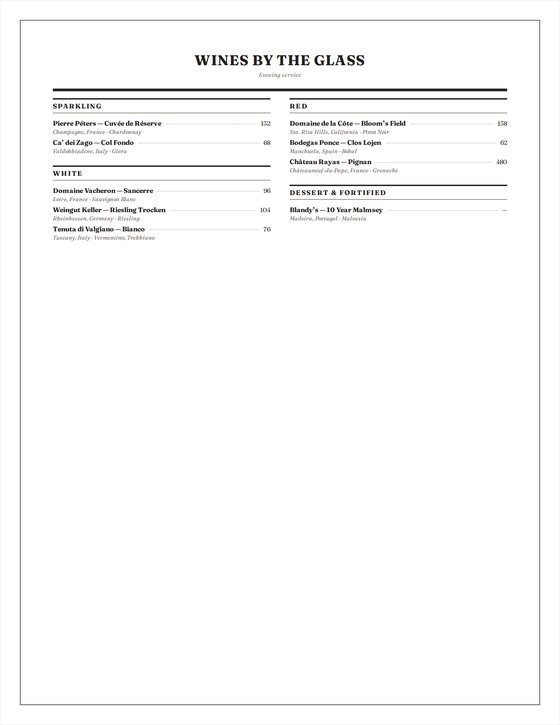
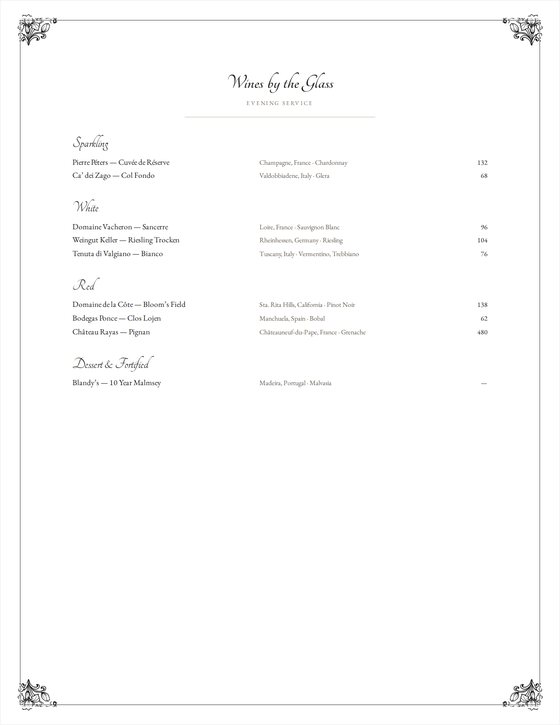
From a bistro card and a trattoria two-column to a steakhouse book and a cellar book with the vintage first.
Fifteen frames, from a hairline rule to Greek meander, Empire palmette, vine wreath and Art Nouveau.
Your logo, a signature and the sommelier's credit, printed on every sheet.
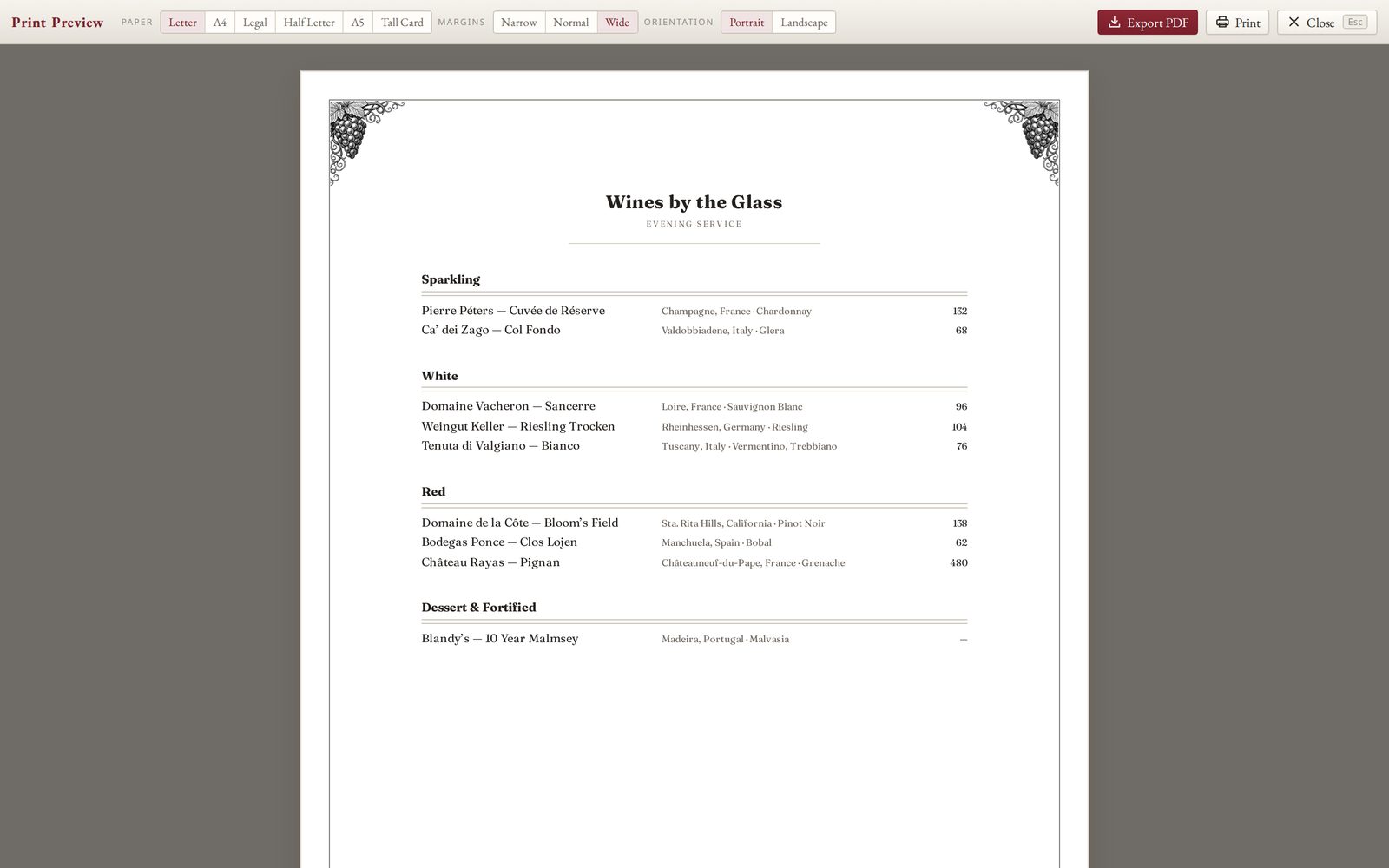
Letter, A4, Legal, Half Letter, A5 and a narrow Tall Card, in portrait or landscape.
Print, PDF and the web
Preview, the PDF and the printed page are the same sheet, measured the same way, so nothing moves between the screen and the paper.
On the floor
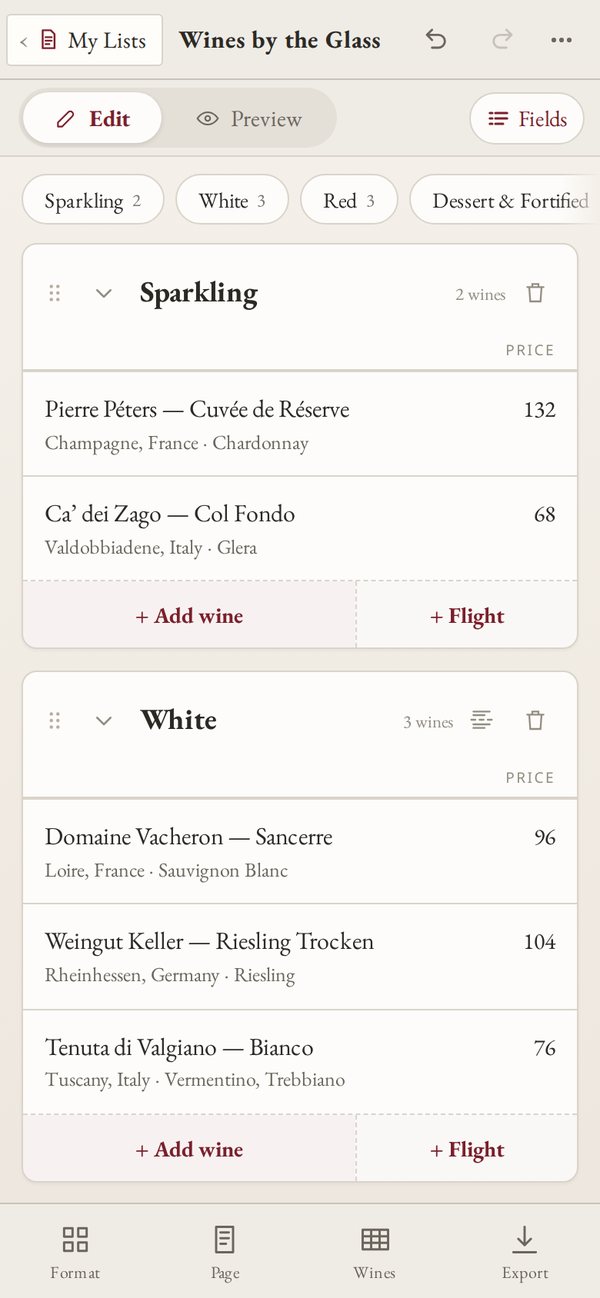
On a phone, sections become cards you can fold, reorder and edit, and Inventory counts with your thumb. The full page is laid out underneath for printing.
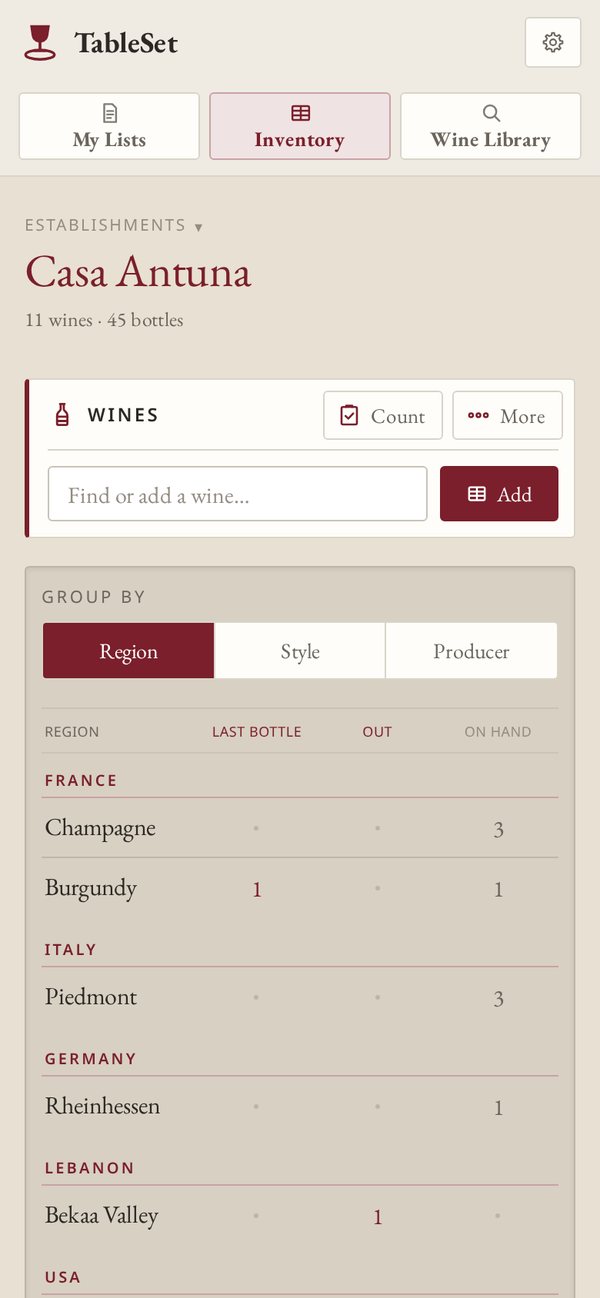
With a beta account, lists and Inventory sync across your devices, and a change made elsewhere is never silently overwritten.
The interface and the printed list follow the language you choose. Wine names stay as you typed them.
Run several restaurants or bars, each with its own Inventory and its own lists.
Work in a dark room at night if you like; the sheet stays white, because that is what prints.
Download every list and every establishment in one file, and restore it on any device.
No advertising, no tracking and no third-party analytics. See the Security page.
The beta
It is free while the beta runs. You can try every part of it without an account; your work stays in your browser on your device.